
Images
PNG and SVG for docs and presentations.

workspace "My First Architecture" {  model {    user = person "User"    system = softwareSystem "My System"    db = softwareSystem "Database"
    user -> system "Uses"    system -> db "Reads from and writes to"  }
  views {    systemContext system "SystemContext" {      include *      autoLayout    }  }}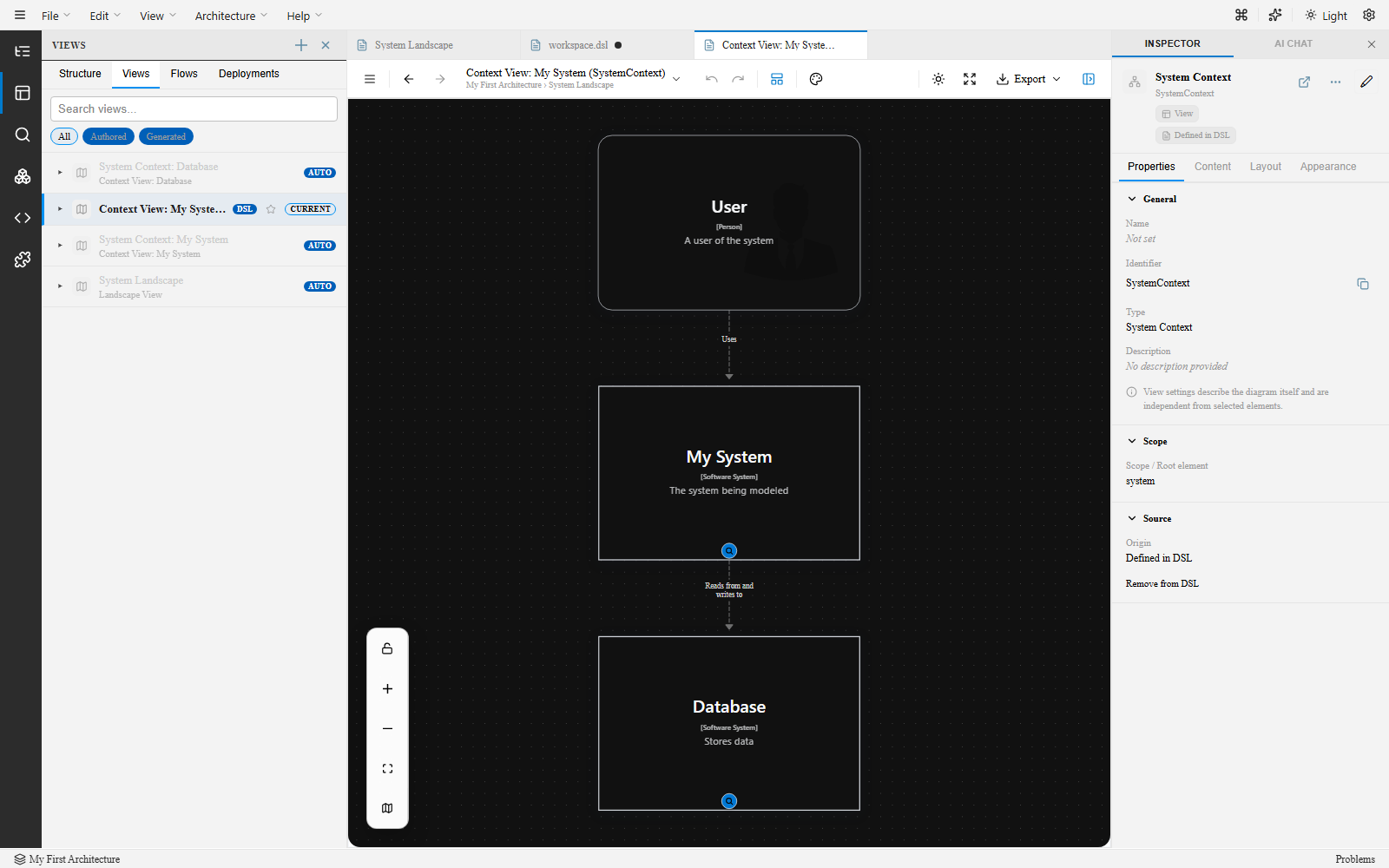
Every diagram is a faithful, deterministic projection of the DSL — stable, repeatable, and governance-ready.
Drag a node on the canvas and the DSL updates underneath it. Type in the DSL and the canvas re-renders instantly. Edit from whichever surface is most productive — nothing is generated once and abandoned.
Explore the canvas and DSL editor →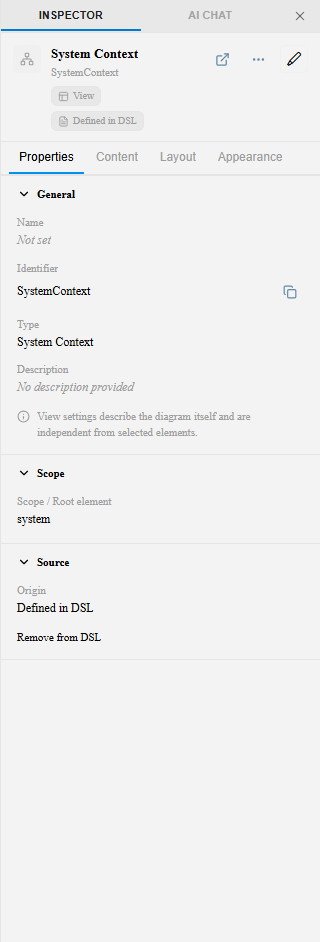
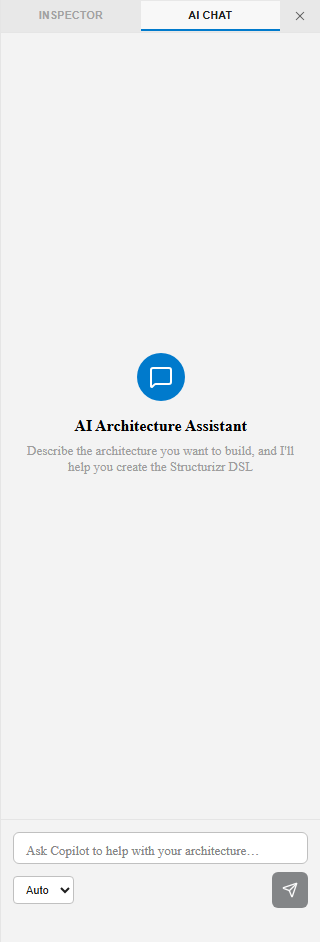
An in-app AI chat and a VS Code Copilot chat participant understand your workspace — the model, the active view, the DSL — through an embedded MCP server. Ask for a new container, a deployment topology, or an arc42 write-up, and review the change before it lands.
Set up the MCP server →System Context, Container, Component, Dynamic, Deployment, and Filtered views aren’t interchangeable boxes-and-arrows — each has its own semantics, and stable view keys keep reviews and diffs meaningful over time.
See the system boundary, external actors, and the services inside it.
Explore views →Model runtime interaction flows as ordered steps between elements.
Learn about dynamic views →Map containers onto infrastructure nodes and environments.
Explore deployment views →Scope any view down by tag or rule without duplicating the model.
Explore filtered views →Use the same .dsl workspace as a VS Code extension or straight in the browser — no server, no account.
Open a .dsl file and the ArchTect icon appears in the editor toolbar. The canvas opens alongside your DSL, backed by the same MCP server your AI agents use.
No install. Open the web app, load or paste a .dsl file, and get the same editor, views, and export pipeline.
Apply a cloud provider’s icon set or stick to classic C4 shapes — per view, without touching the underlying model.
Explore themes →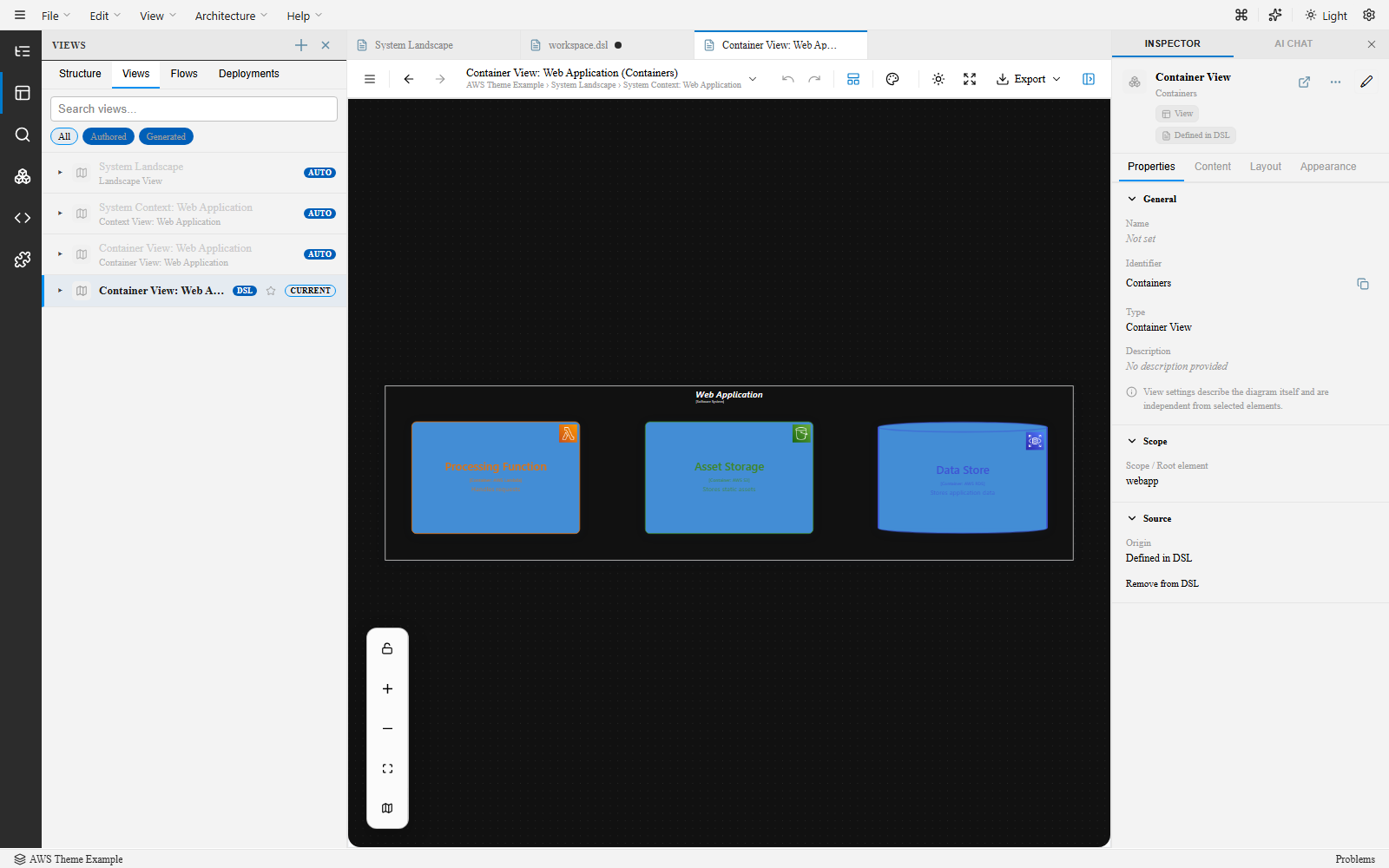
Every format your team already uses, generated directly from the DSL — plus full arc42 documentation.
Images
Mermaid
PlantUML
draw.io
Ilograph
arc42 docs
Compared to freeform diagramming
Hand-drawn diagrams look great but drift from reality — there’s no shared model behind them, so nothing keeps them honest. ArchTect is always drawing a live view of one underlying model, not a picture someone has to remember to update.
Compared to code-only DSL tools
Structurizr and C4-DSL already solve drift by generating views from a single model — but authoring is text-only. ArchTect adds a visual, bidirectional editor on top, so you can draw or write, and the model stays just as deterministic.
Install the VS Code extension, open the browser app, or bring an existing Structurizr DSL workspace — same fidelity everywhere.