
Themes
Themes control the visual style of elements and relationships in your views. They can set colors, shapes, icons, and other visual properties.
How themes work
Section titled “How themes work”Themes apply styles based on tags. When an element or relationship has a tag that matches a theme’s style definition, that style is applied.
Multiple themes can be combined. When themes conflict, later themes take precedence — the last theme in the list wins.
Using themes
Section titled “Using themes”Built-in theme
Section titled “Built-in theme”views { theme default}External theme URLs
Section titled “External theme URLs”Structurizr maintains a library of themes for cloud providers and technologies:
views { themes https://static.structurizr.com/themes/amazon-web-services-2023.01.31/theme.json themes https://static.structurizr.com/themes/microsoft-azure-2023.01.24/theme.json}These themes provide icons and colors for recognized element tags (e.g., elements tagged Amazon Web Services - Lambda get the Lambda icon).
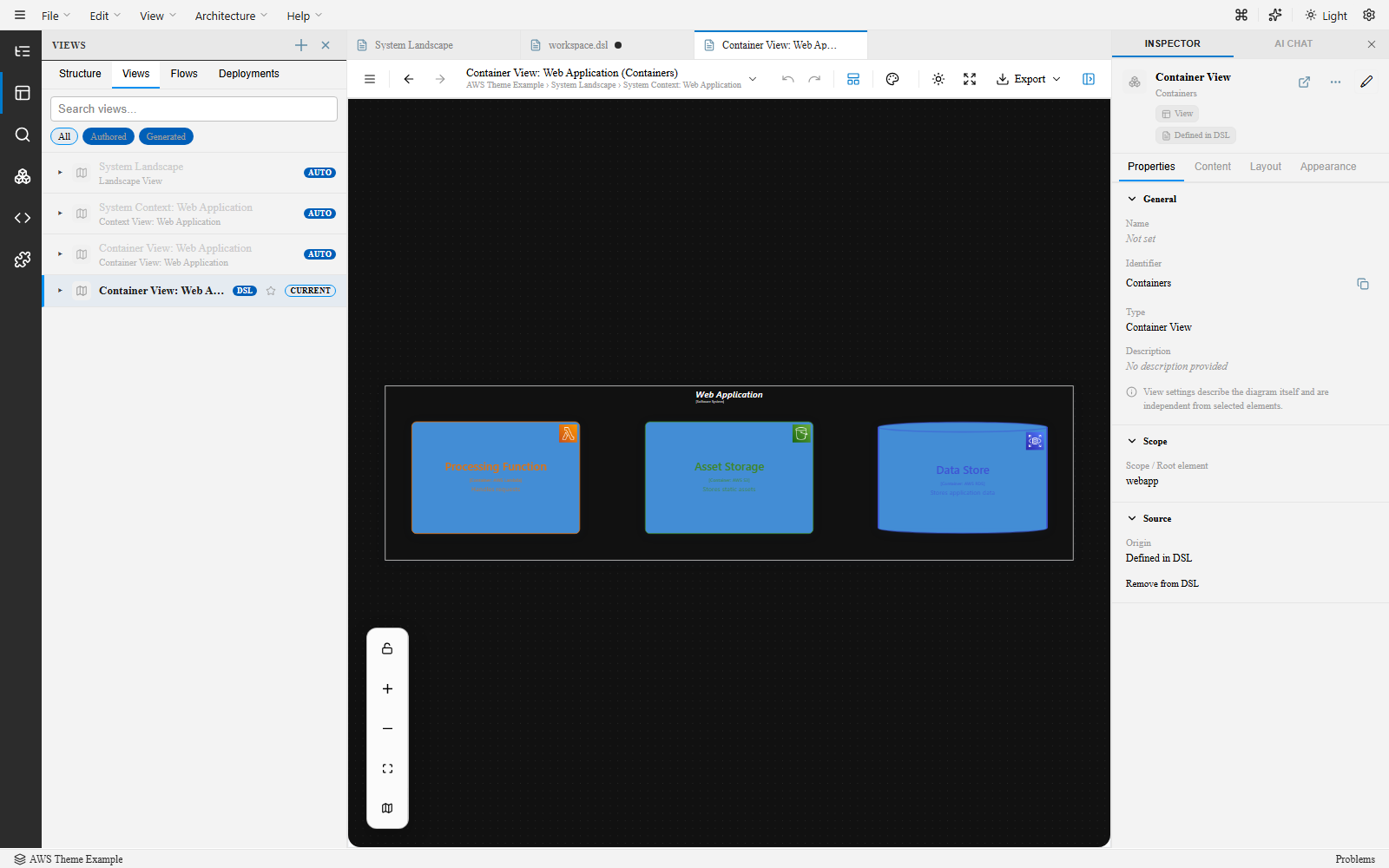
Multiple themes
Section titled “Multiple themes”views { theme default themes https://static.structurizr.com/themes/amazon-web-services-2023.01.31/theme.json}Custom styles
Section titled “Custom styles”In addition to (or instead of) themes, define custom styles in the styles block:
views { styles { element "Person" { shape Person background "#08427b" color "#ffffff" } element "Database" { shape Cylinder background "#438dd5" } relationship "Relationship" { color "#707070" thickness 2 } }}Supported element style properties
Section titled “Supported element style properties”| Property | Description |
|---|---|
shape |
Element shape (Box, Person, Cylinder, Pipe, etc.) |
icon |
URL to an icon image |
width / height |
Element dimensions |
background |
Fill color (hex) |
color / colour |
Text color (hex) |
stroke |
Border color (hex) |
strokeWidth |
Border thickness |
border |
Border style (solid, dashed, dotted) |
opacity |
Element opacity (0–100) |
Supported relationship style properties
Section titled “Supported relationship style properties”| Property | Description |
|---|---|
color / colour |
Line color (hex) |
thickness |
Line thickness |
opacity |
Line opacity (0–100) |
routing |
Line routing (Direct, Orthogonal) |
style |
Line style (dashed) |
In the Inspector
Section titled “In the Inspector”When a view is selected (click canvas background), the Themes section lets you:
- Add new theme URLs
- Remove themes
- Reorder themes to control precedence
- Apply theme presets
See also
Section titled “See also”- View Settings — Layout and view configuration
- DSL Support Matrix — Supported style properties
- DSL Basics — Styles syntax