
Explorer
The Explorer panel (the first icon in the left rail) shows your model’s elements as a tree, grouped by the group { } blocks defined in your DSL — not a filesystem browser.
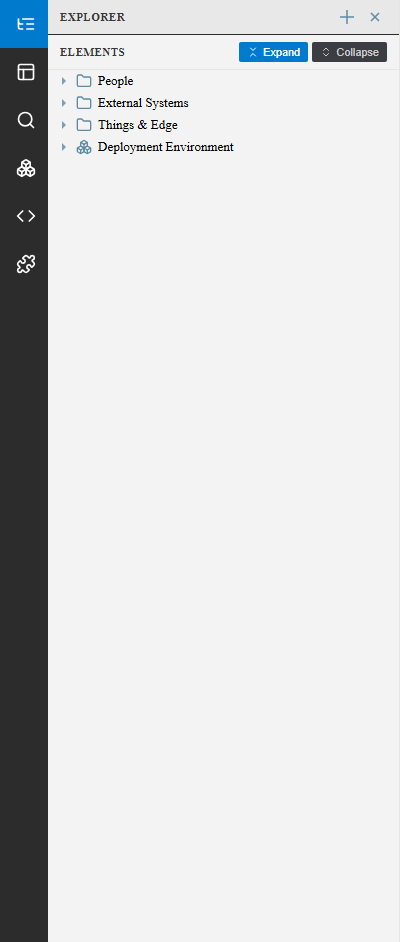
Use it to:
- Get an overview of how your model is organized into groups (e.g. “People”, “External Systems”)
- Expand a group to see the elements inside it
- Select an element to jump to it on the canvas and open it in the Inspector
Expand / Collapse at the top toggle every group open or closed at once.
See also
Section titled “See also”- Views Panel — Browsing views rather than model elements
- Modeling: Groups, Tags & Properties