
Export
ArchTect supports multiple export formats to share your architecture with any audience.
Available formats
Section titled “Available formats”| Format | Type | Best for |
|---|---|---|
| PNG | Raster image | Presentations, emails, documents |
| SVG | Vector image | Scalable documentation, web embedding |
| Mermaid | Text-based diagram | Markdown docs, GitHub READMEs, wikis |
| PlantUML | Text-based diagram | Confluence, Javadoc, existing PlantUML toolchains |
| draw.io | Editable diagram | Further editing in diagrams.net / draw.io |
| Ilograph | Interactive diagram | Interactive 3D architecture exploration |
| arc42 Documentation | Structured Markdown | Architecture documentation deliverables |
How to export
Section titled “How to export”From the toolbar
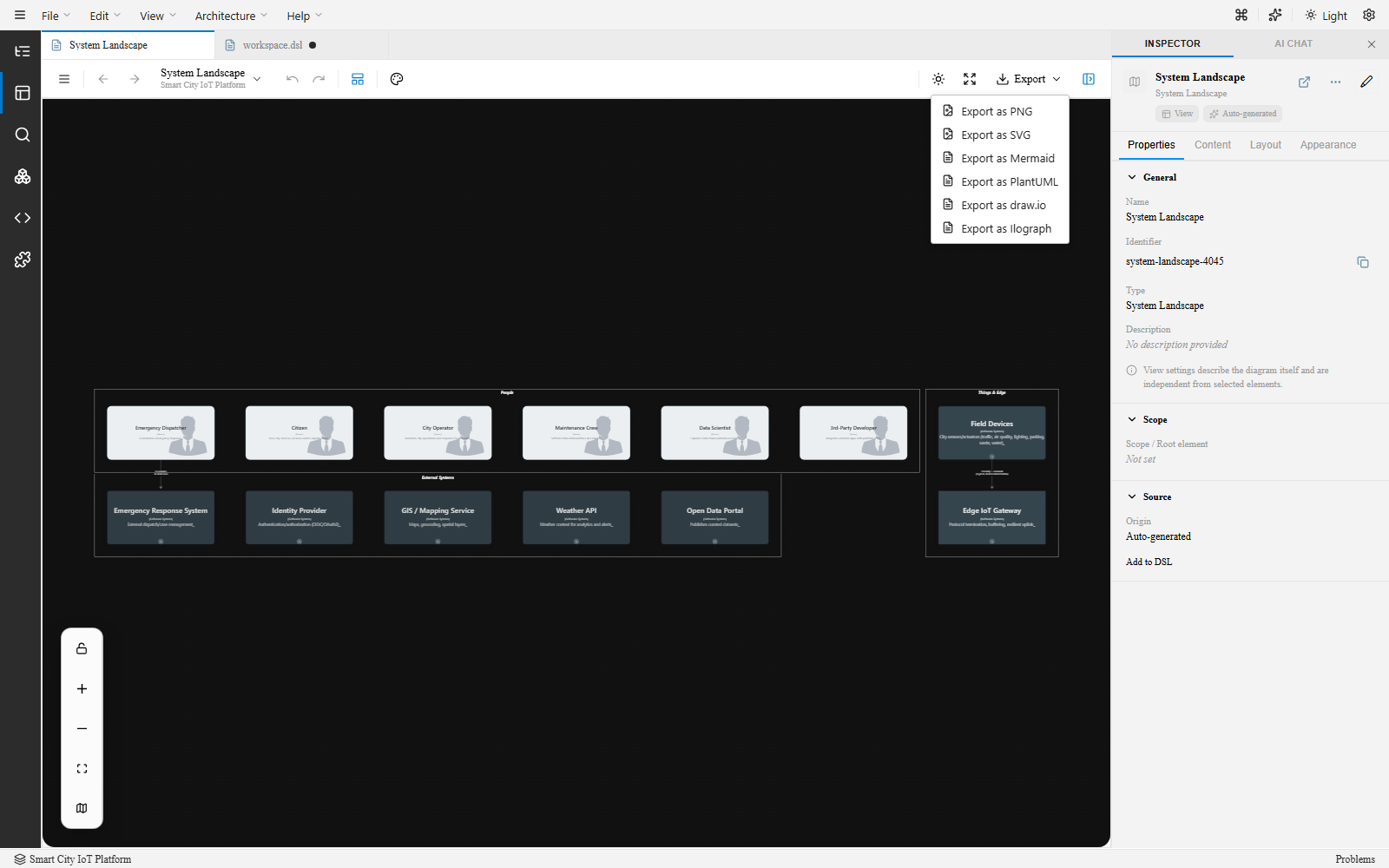
Section titled “From the toolbar”Click the Export dropdown in the canvas toolbar and choose a format — the file downloads (browser) or saves to the project folder (VS Code) immediately.
arc42 documentation
Section titled “arc42 documentation”Diagram exports (PNG/SVG/Mermaid/PlantUML/draw.io/Ilograph) come from the toolbar dropdown above. Generating arc42 documentation is a separate, workspace-level action — see arc42 Documentation Generation for how to run it from the Architecture menu or the Command Palette.