
AI Chat
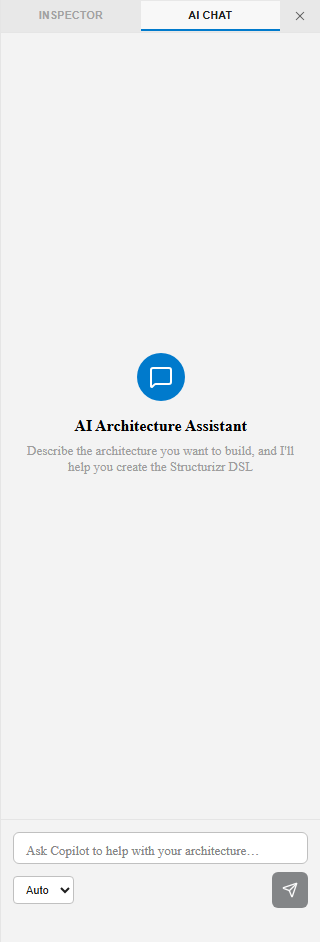
The AI Chat tab sits alongside the Inspector on the right side of the screen. It’s an in-app AI assistant that can help you model and generate Structurizr DSL without leaving the editor.
Using AI Chat
Section titled “Using AI Chat”- Click the AI Chat tab (next to Inspector) on the right panel.
- Describe the architecture you want to build, or ask a modeling question, in the input box at the bottom.
- Choose a mode from the dropdown (default: Auto) if your setup exposes multiple models or providers.
- Review the suggested DSL before it’s applied — accept or discard the change.
What it’s good for
Section titled “What it’s good for”- Scaffolding a new workspace from a plain-language description
- Adding elements, containers, or relationships to an existing model
- Explaining what a section of DSL does
- Suggesting fixes for validation errors
See also
Section titled “See also”- Copilot Chat Participant — VS Code-specific AI integration
- MCP Server Integration — Richer AI tool integration via Model Context Protocol
- Canvas & DSL Editor