
Top Bar & Menus
The top bar runs along the very top of the window. On the left is a menu bar (File, Edit, View, Architecture, Help); on the right are quick-action icon buttons and the theme toggle.
| Menu | Contents |
|---|---|
| File | Import… and Export… — import a workspace or export the current view |
| Edit | Undo, redo, and clipboard actions |
| View | Canvas display options (zoom, fit, minimap, panel visibility) |
| Architecture | Workspace-level actions — edit architecture info, validate, generate documentation |
| Help | Links to the user guide and diagnostics |
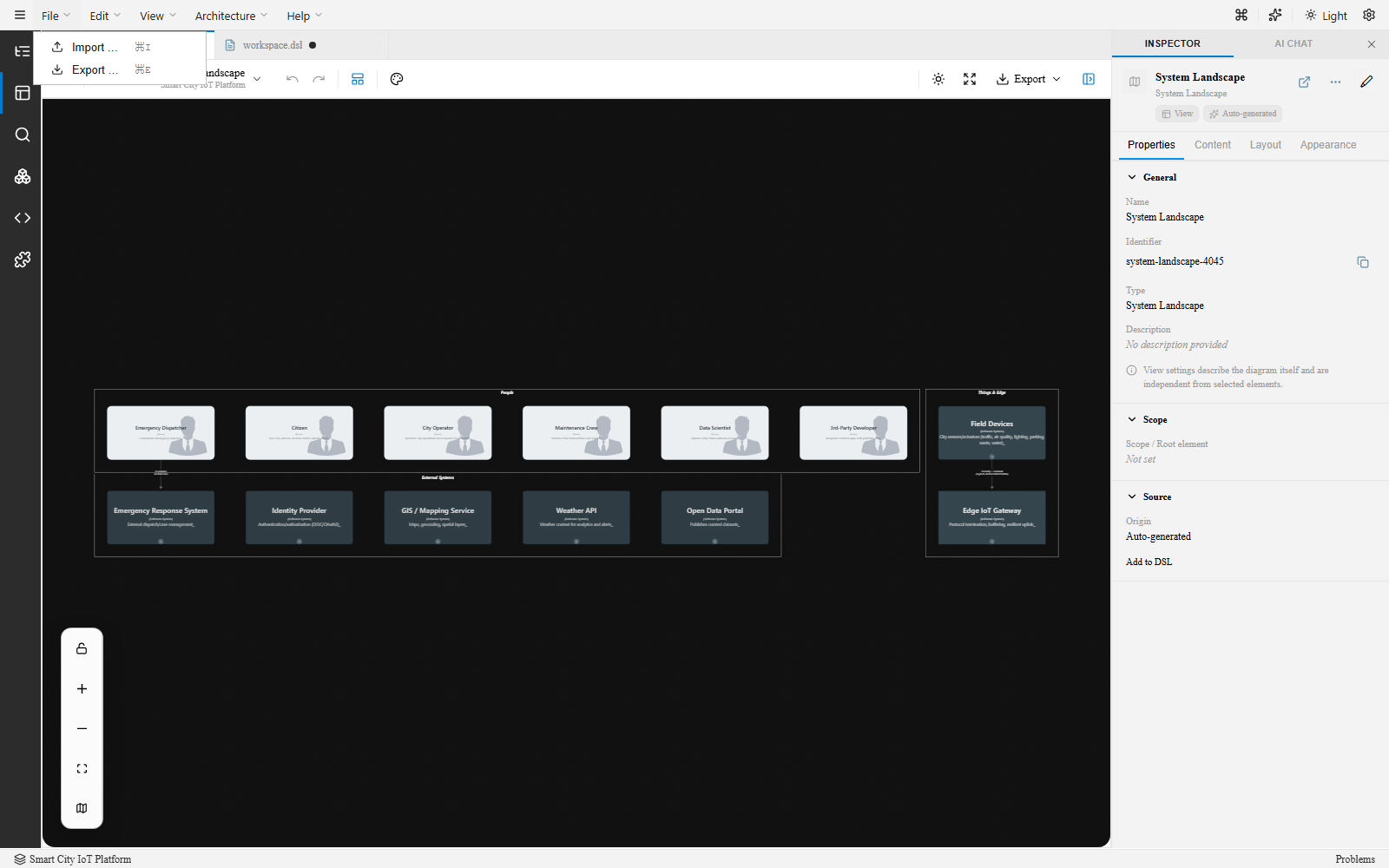
Right-side controls
Section titled “Right-side controls”| Control | Purpose |
|---|---|
| ⌘ icon | Opens the Command Palette |
| Puzzle-piece icon | Opens the Plugins panel |
| Theme toggle (Light / Dark) | Switches the editor’s own UI theme — separate from the visual theme applied to your diagrams |
| Settings gear | Application-level settings |